App review monitoring for the App Store and Google Play
Approbo reads your app reviews in 175 countries and 42 languages, and alerts your team in Slack, Microsoft Teams or email when the rating drops, negative reviews spike or a new version gets worse reviews.
Free for one app. No credit card, and no App Store Connect or Google Play Console access.
Review alerts and reports delivered to
Review alerts delivered to
Slack
Microsoft Teams
Email
Discord
Google Chat
Webhooks
Daily digest
Weekly report
CSV export
REST API
MCP server
Slack
Microsoft Teams
Email
Discord
Google Chat
Webhooks
Daily digest
Weekly report
CSV export
REST API
MCP server
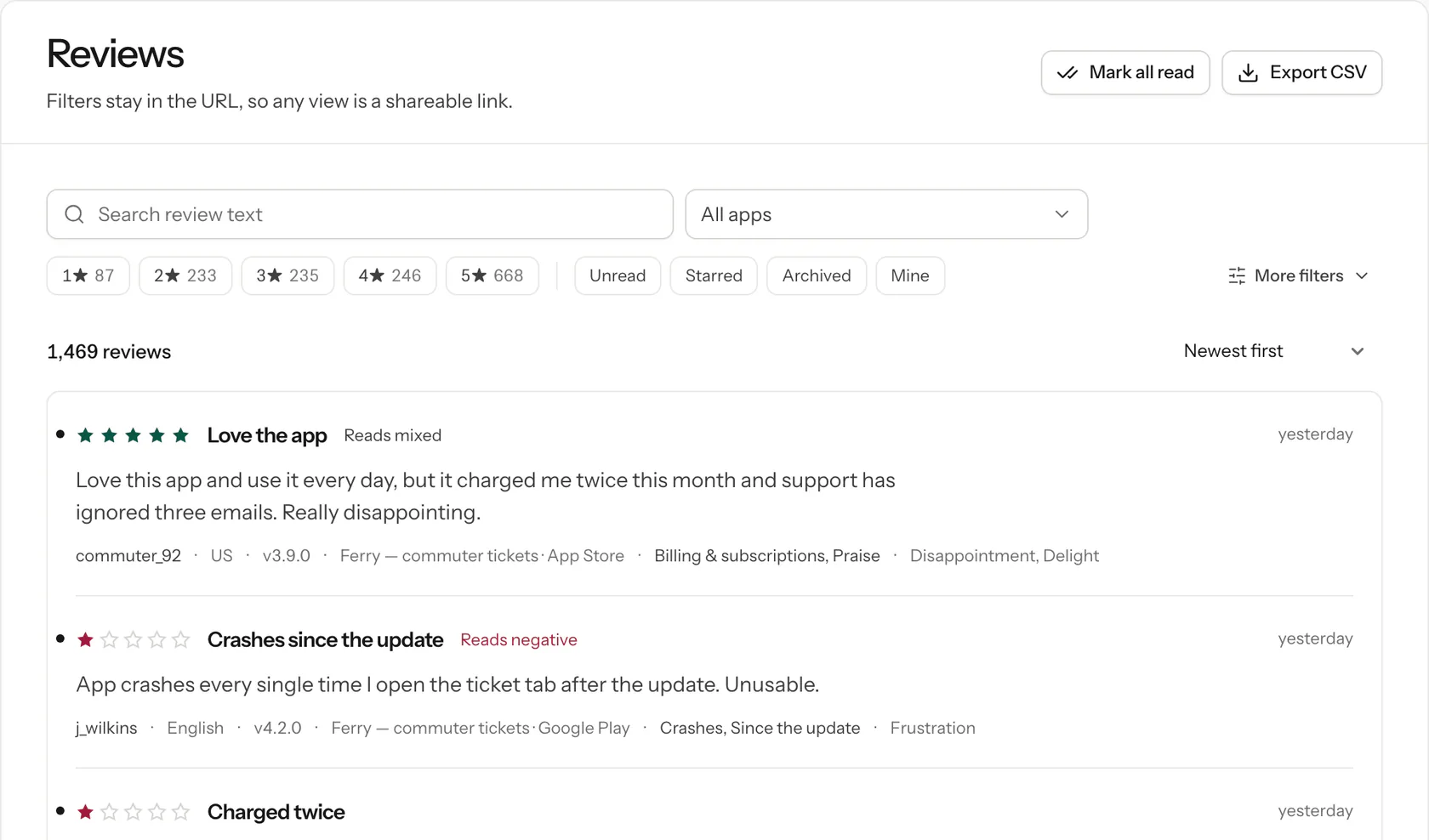
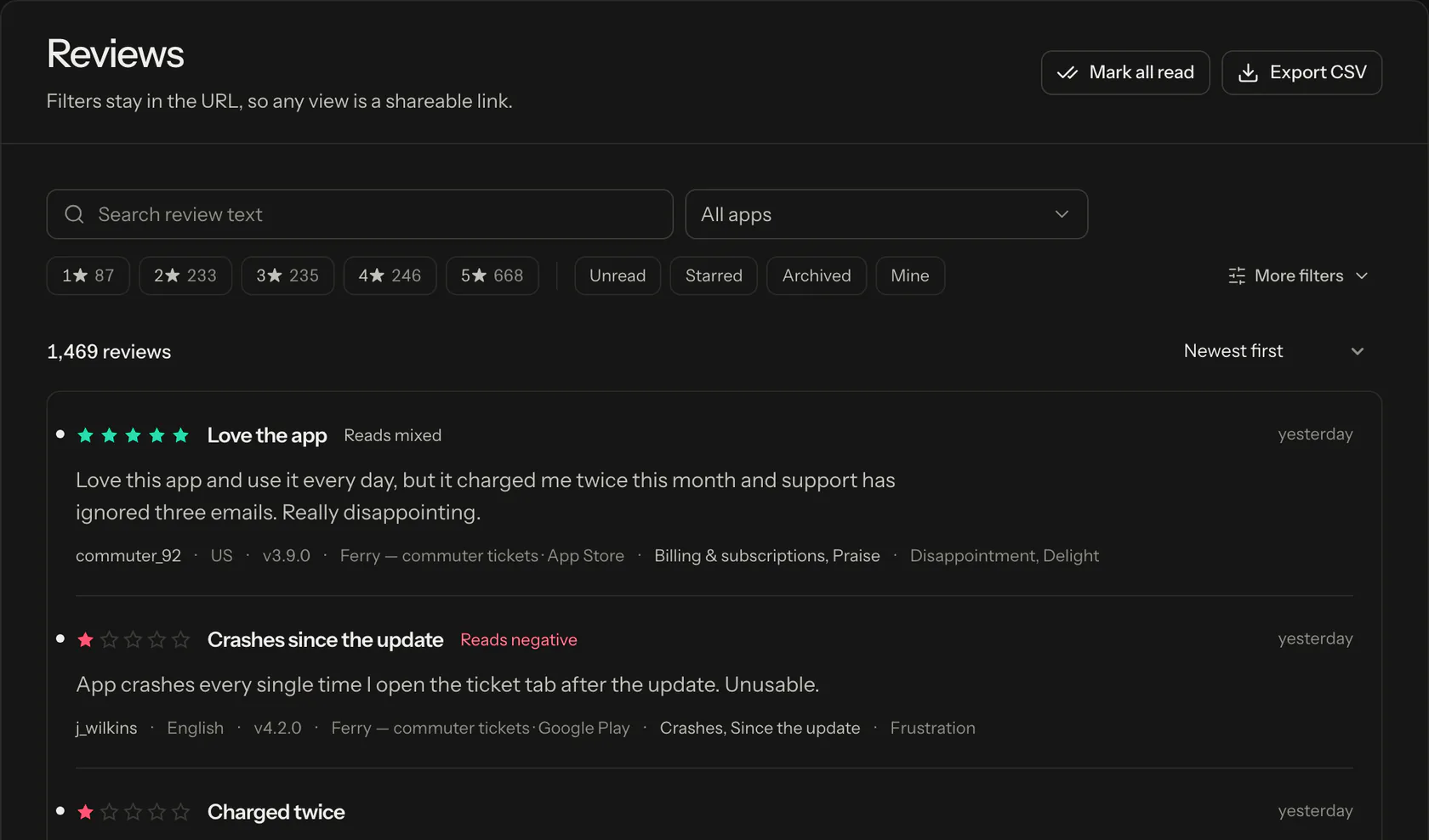
Read every App Store and Google Play review in one inbox
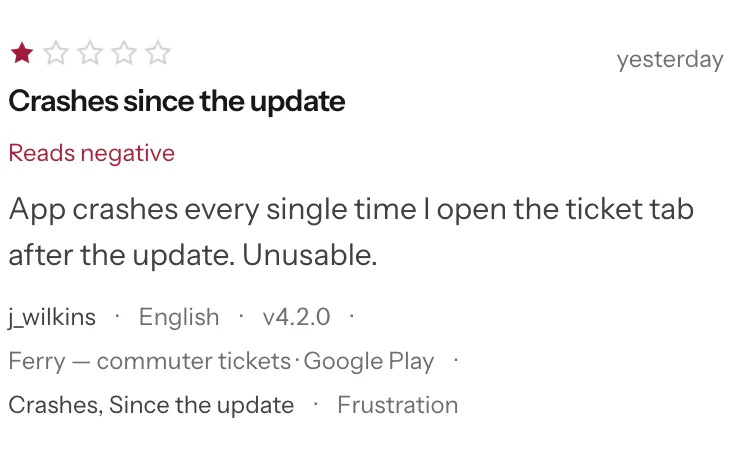
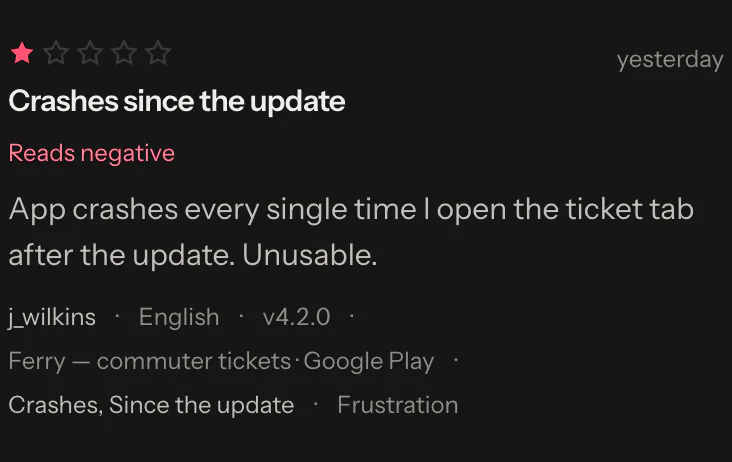
New reviews from 175 App Store countries and 42 Google Play languages, each tagged with its sentiment and topics as it arrives.
GB · Google Play · v4.2.0
“The latest update broke the barcode. It does not work at the gate.”
Negative · Since the update
US · App Store · v4.2.0
“Booked a car space and two cabins in under a minute. Much better than the website.”
Positive · Design & usability
IE · Google Play · v4.2.0
“Charged me twice for one monthly pass and there is no refund button.”
Negative · Billing & subscriptions
AU · App Store · v4.1.3
“Live departure board is great. Would love a widget for the next sailing.”
Positive · Feature requests
US · Google Play · v4.2.0
“Crashes every time I open my saved tickets on a Pixel 8.”
Negative · Crashes
GB · Google Play · v4.2.0
“The latest update broke the barcode. It does not work at the gate.”
Negative · Since the update
US · App Store · v4.2.0
“Booked a car space and two cabins in under a minute. Much better than the website.”
Positive · Design & usability
IE · Google Play · v4.2.0
“Charged me twice for one monthly pass and there is no refund button.”
Negative · Billing & subscriptions
AU · App Store · v4.1.3
“Live departure board is great. Would love a widget for the next sailing.”
Positive · Feature requests
US · Google Play · v4.2.0
“Crashes every time I open my saved tickets on a Pixel 8.”
Negative · Crashes
NZ · App Store · v4.2.0
“Love the app, but it charged me twice and nobody has replied in a week.”
Mixed · Five stars, negative text
CA · Google Play · v4.1.3
“Works fine most days. Sign-in drops me out every couple of weeks.”
Mixed · Sign-in & accounts
GB · App Store · v4.2.0
“The boarding pass in Wallet is the best change this year.”
Positive · Praise
ZA · Google Play · v4.2.0
“Timetable still shows a sailing that was cancelled weeks ago.”
Negative · Bugs
SG · App Store · v4.2.0
“Fast and clear. Dark mode would make night crossings easier.”
Positive · Feature requests
NZ · App Store · v4.2.0
“Love the app, but it charged me twice and nobody has replied in a week.”
Mixed · Five stars, negative text
CA · Google Play · v4.1.3
“Works fine most days. Sign-in drops me out every couple of weeks.”
Mixed · Sign-in & accounts
GB · App Store · v4.2.0
“The boarding pass in Wallet is the best change this year.”
Positive · Praise
ZA · Google Play · v4.2.0
“Timetable still shows a sailing that was cancelled weeks ago.”
Negative · Bugs
SG · App Store · v4.2.0
“Fast and clear. Dark mode would make night crossings easier.”
Positive · Feature requests
App review monitoring, alerts and analytics
Approbo reads every new review of your iOS and Android apps, tags it by sentiment and topic, and alerts you when something changes. Your team works through them in a shared inbox.
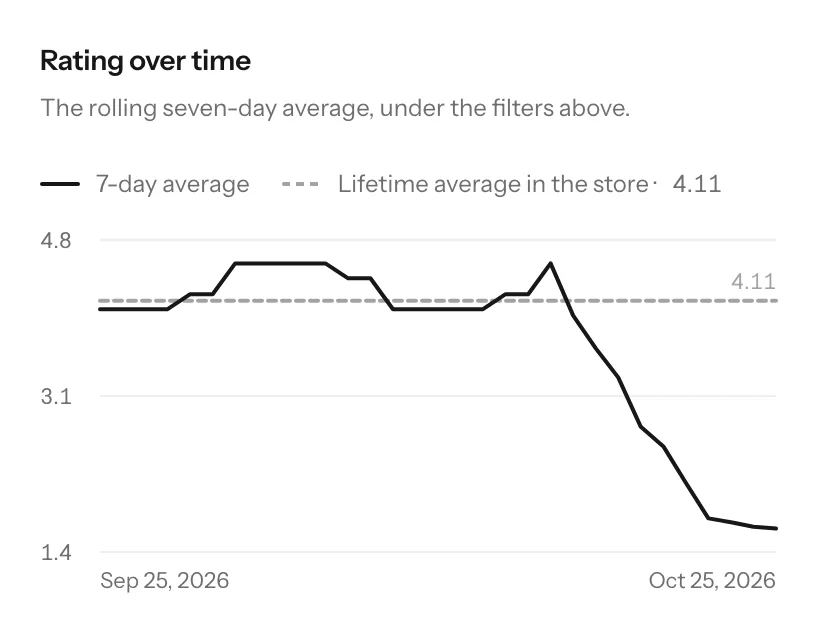
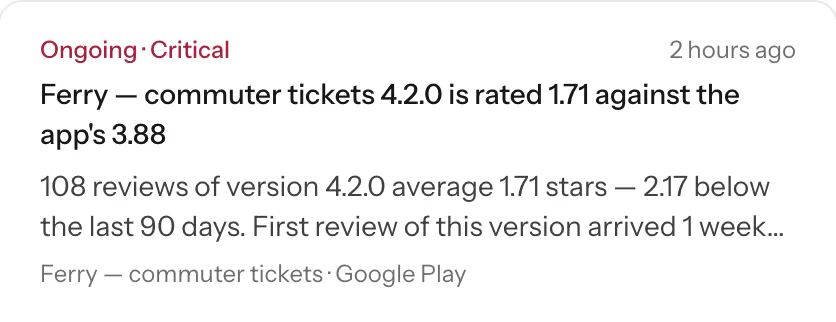
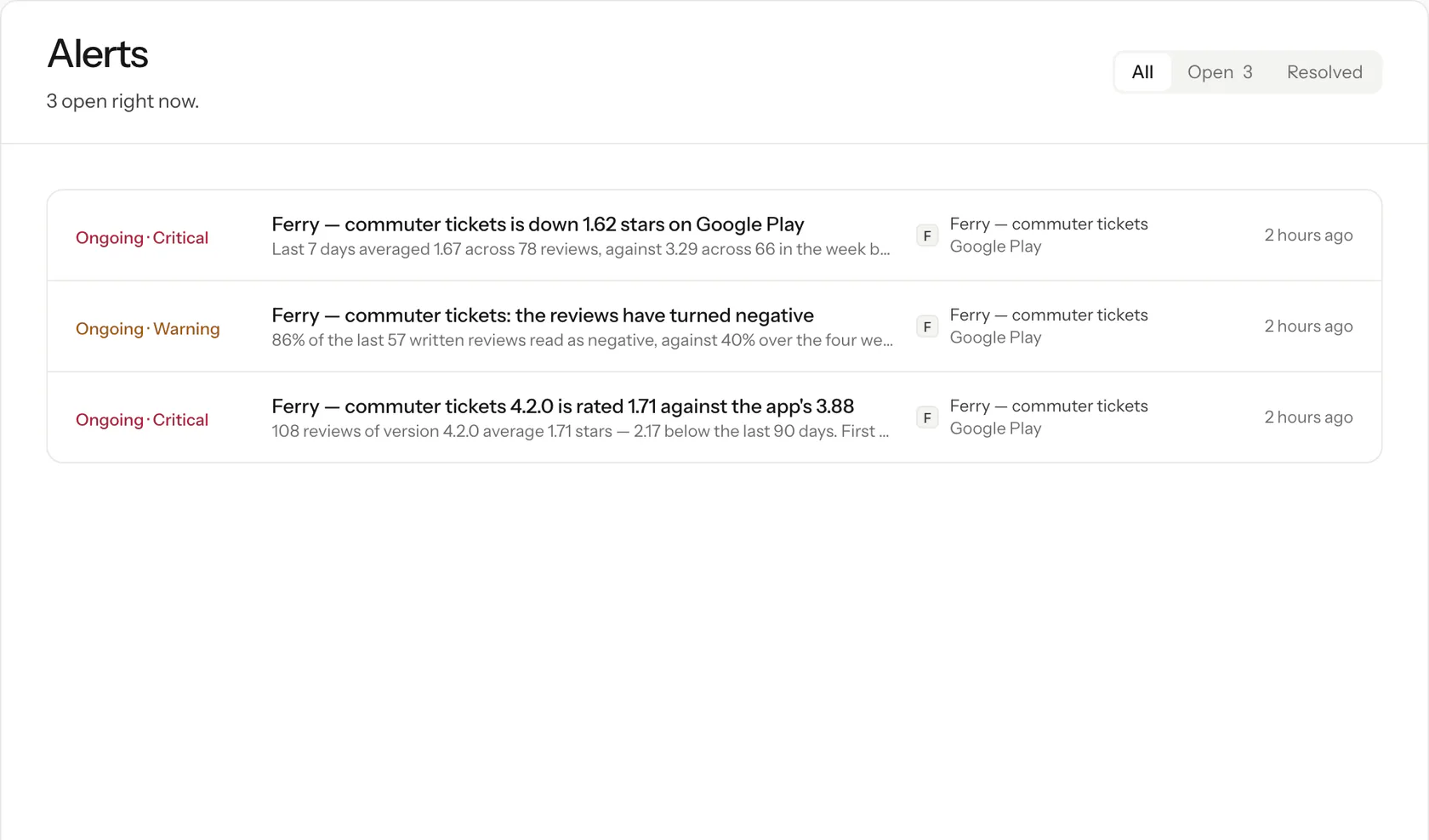
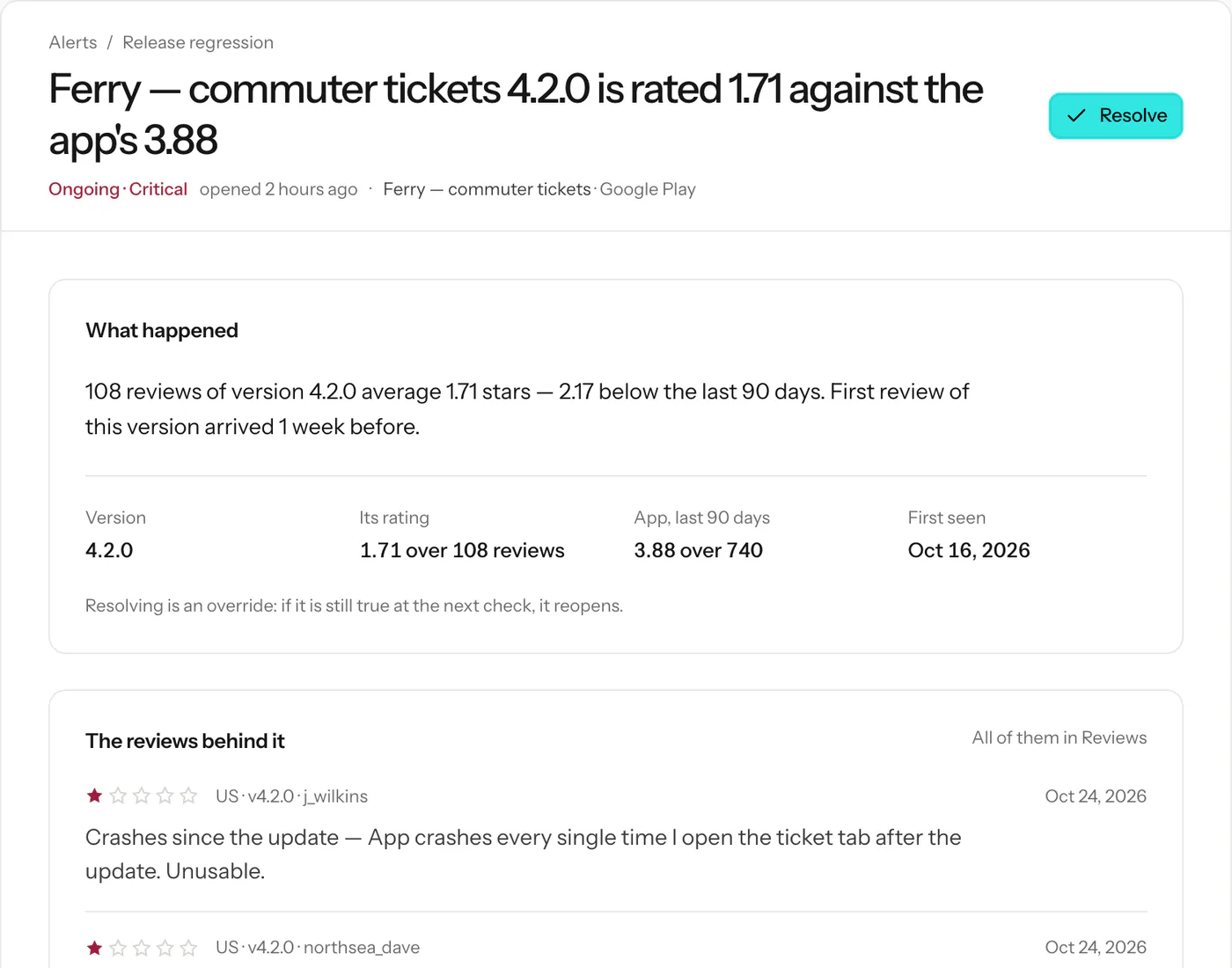
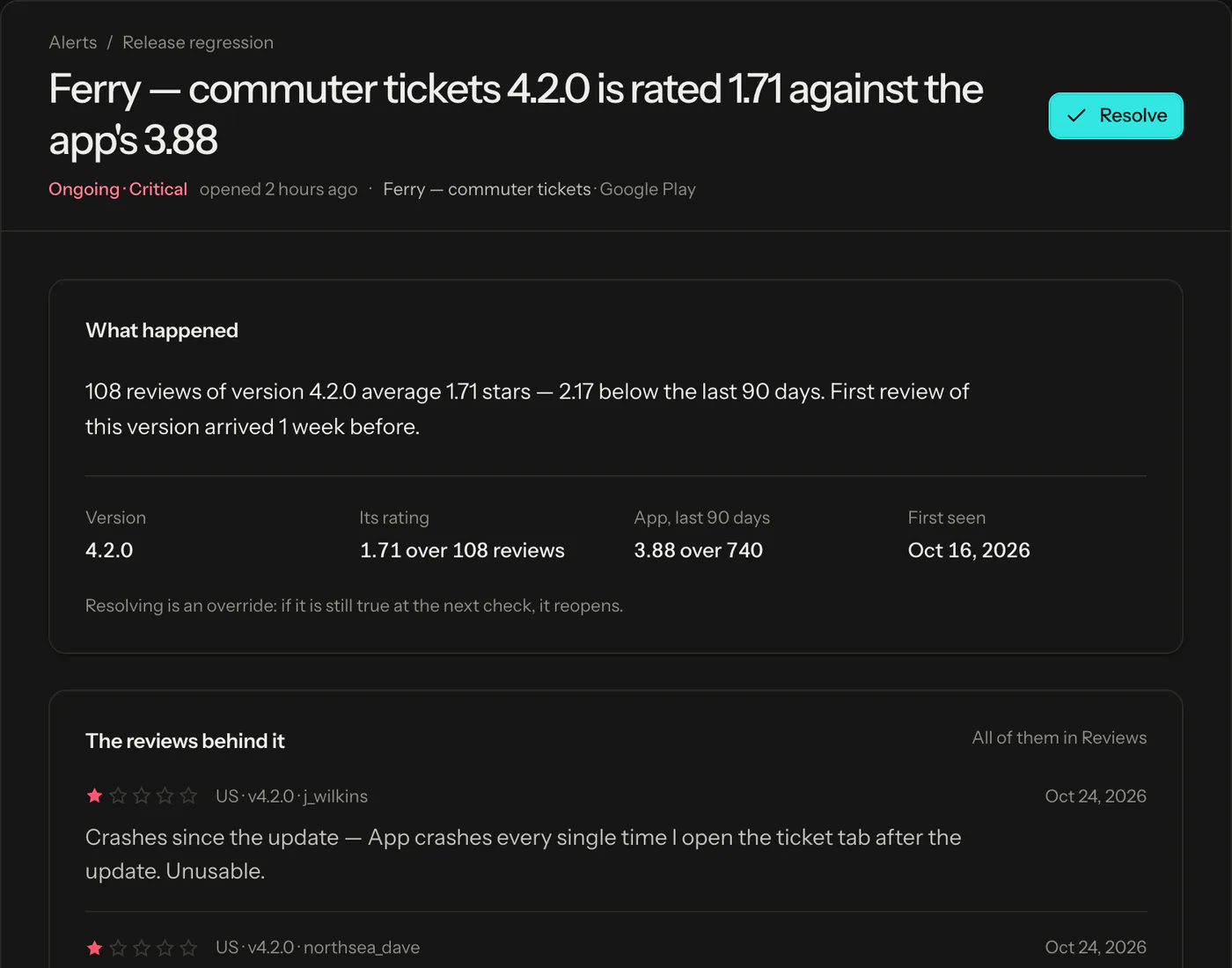
One alert when an app’s rating drops, negative reviews spike or one topic suddenly grows. Each alert compares the app with its own recent history and closes itself when things are back to normal.
Alert types
7, each with its own threshold
Channels
Email, Slack, Microsoft Teams, Discord, Google Chat, webhooks
Filters
App, country, star rating, topic, sentiment, keyword
approbo.org/alerts/3
Release tracking for every app version
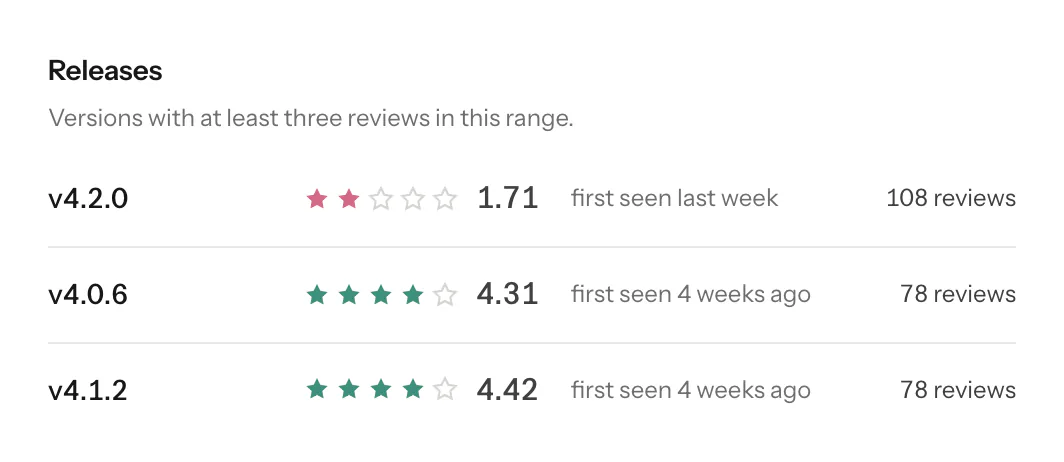
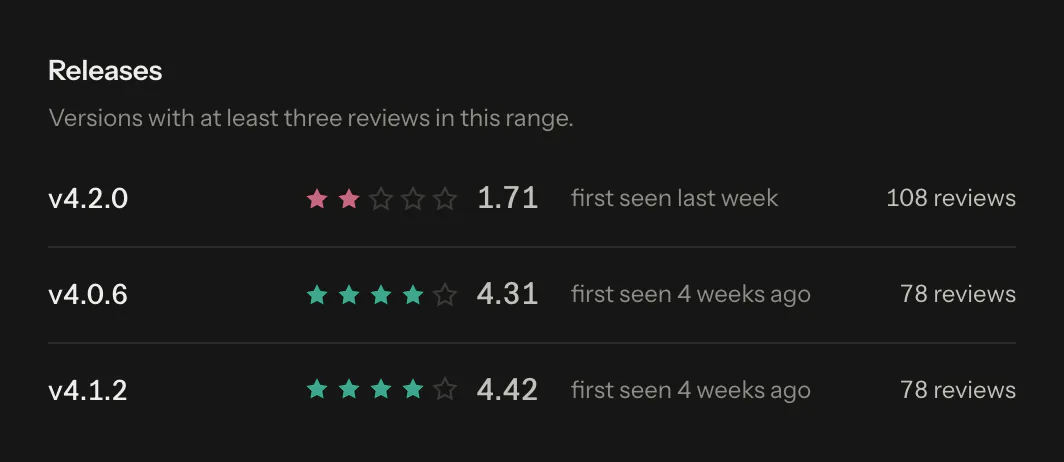
See how each version is rated, and get an alert when a new version gets more negative reviews than the one before it.
Sentiment analysis and review topics
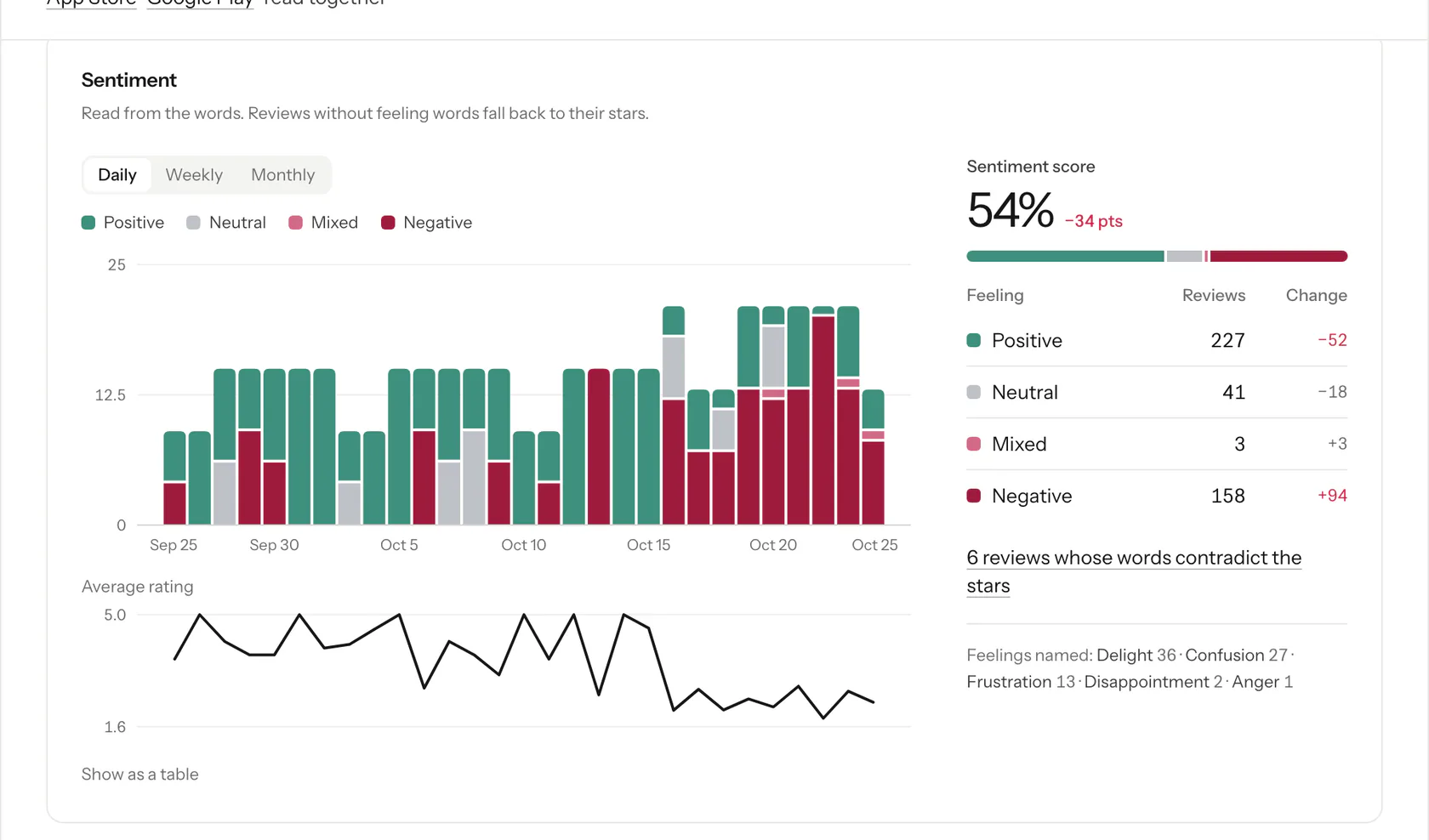
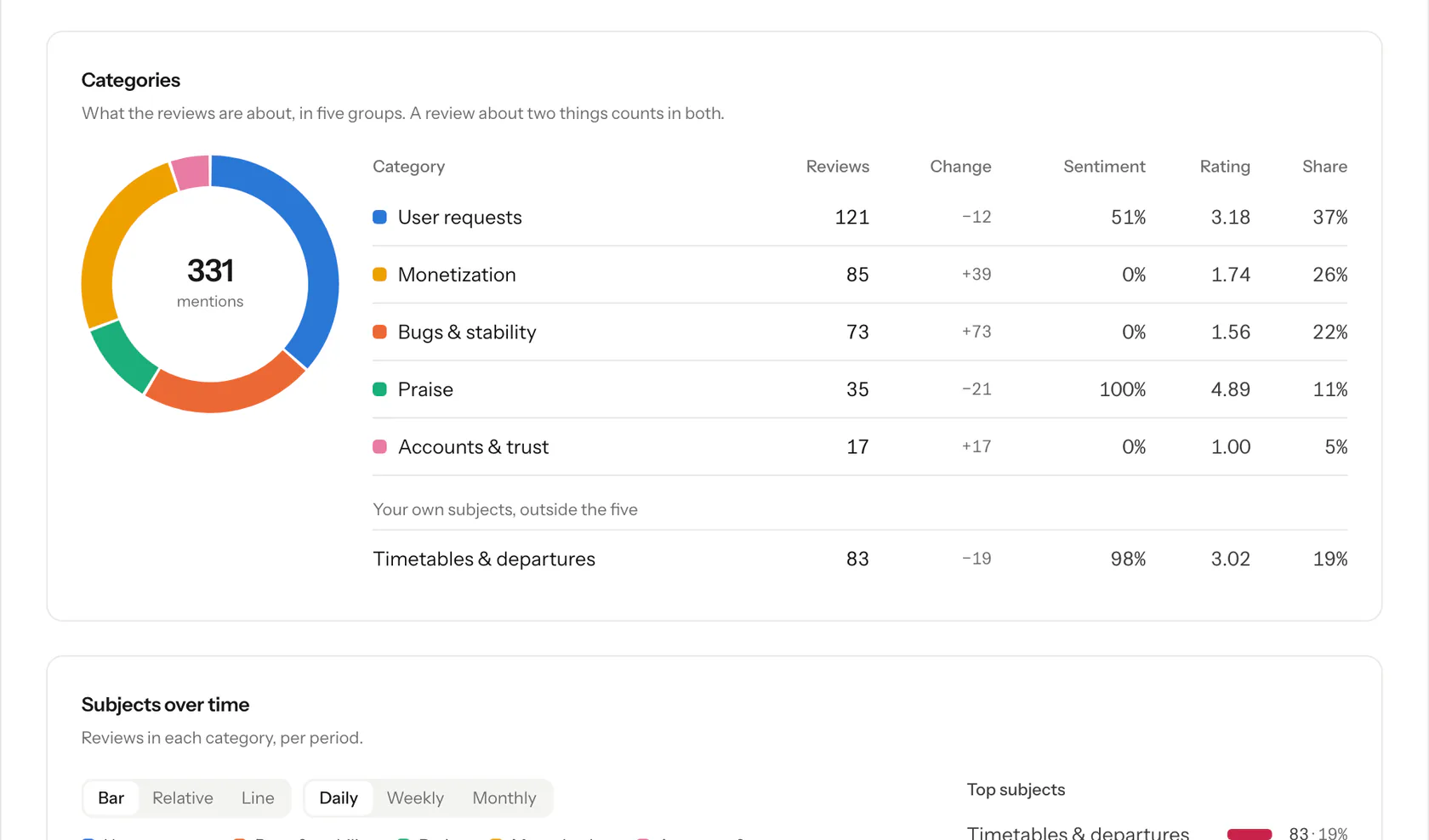
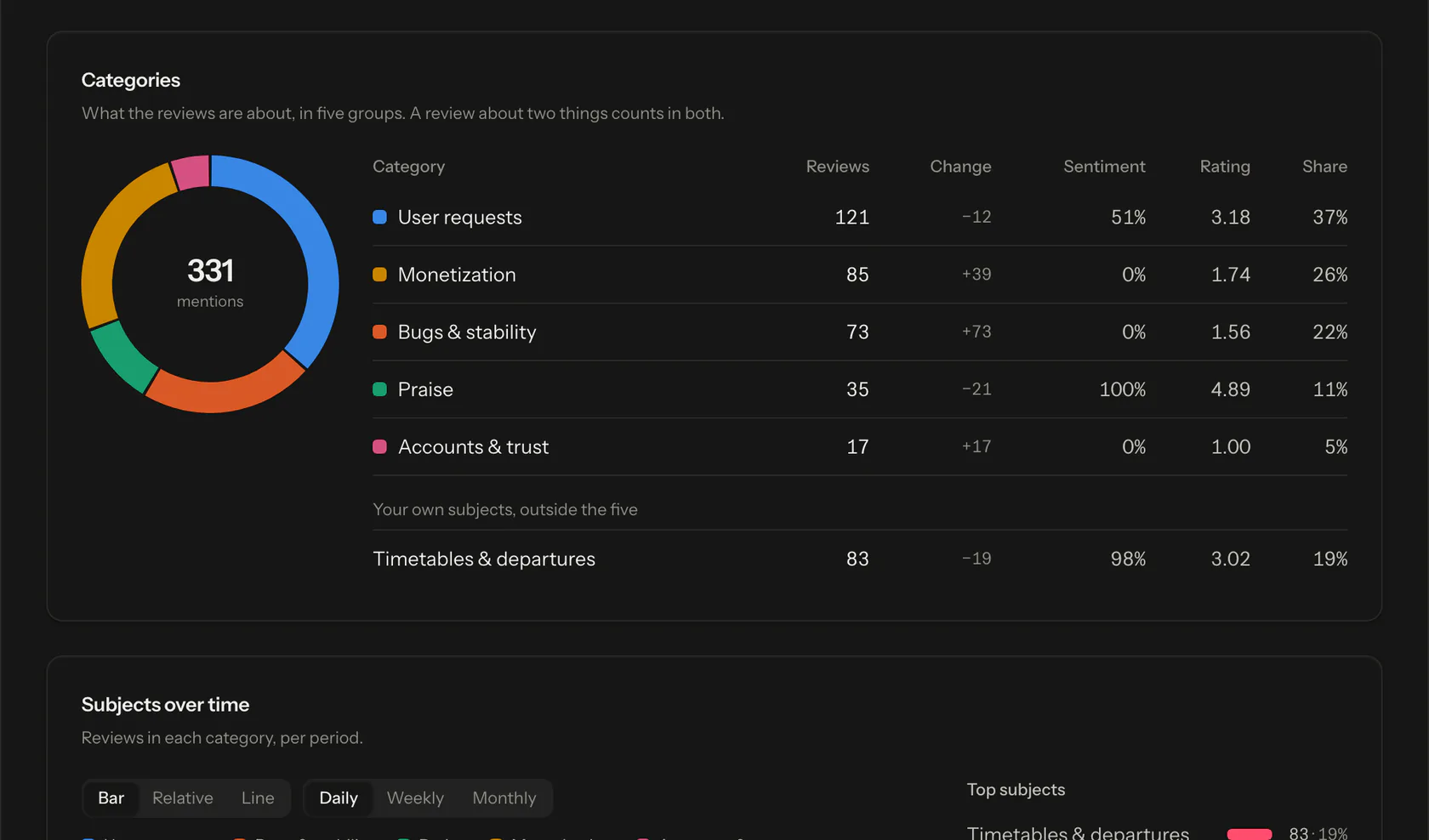
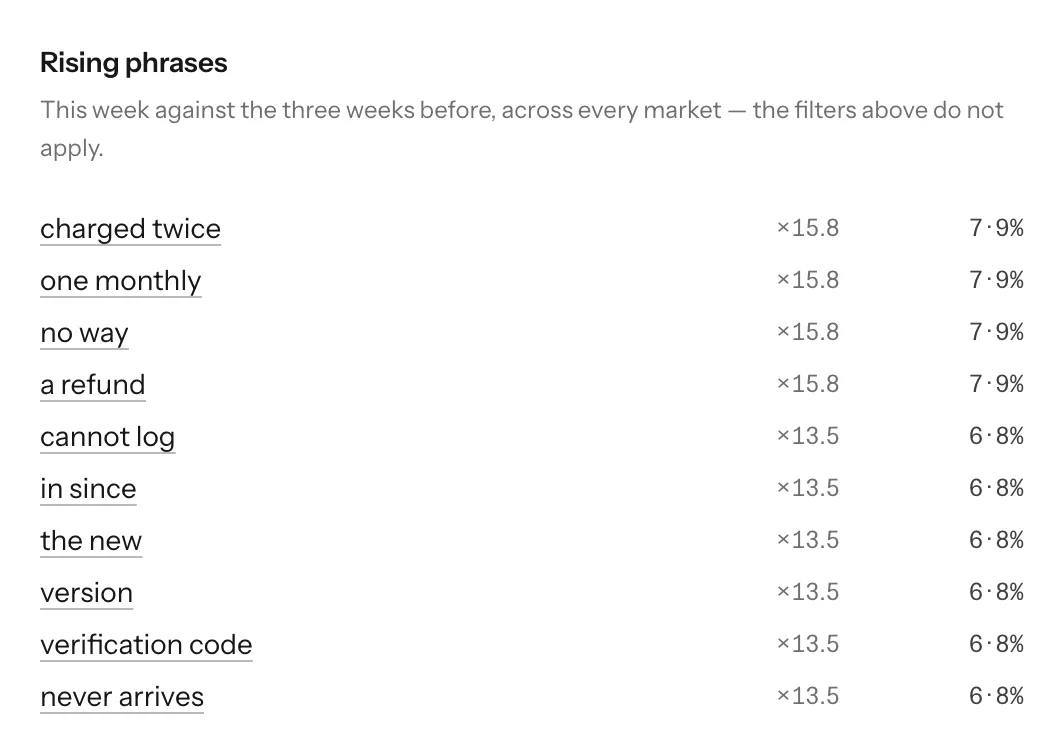
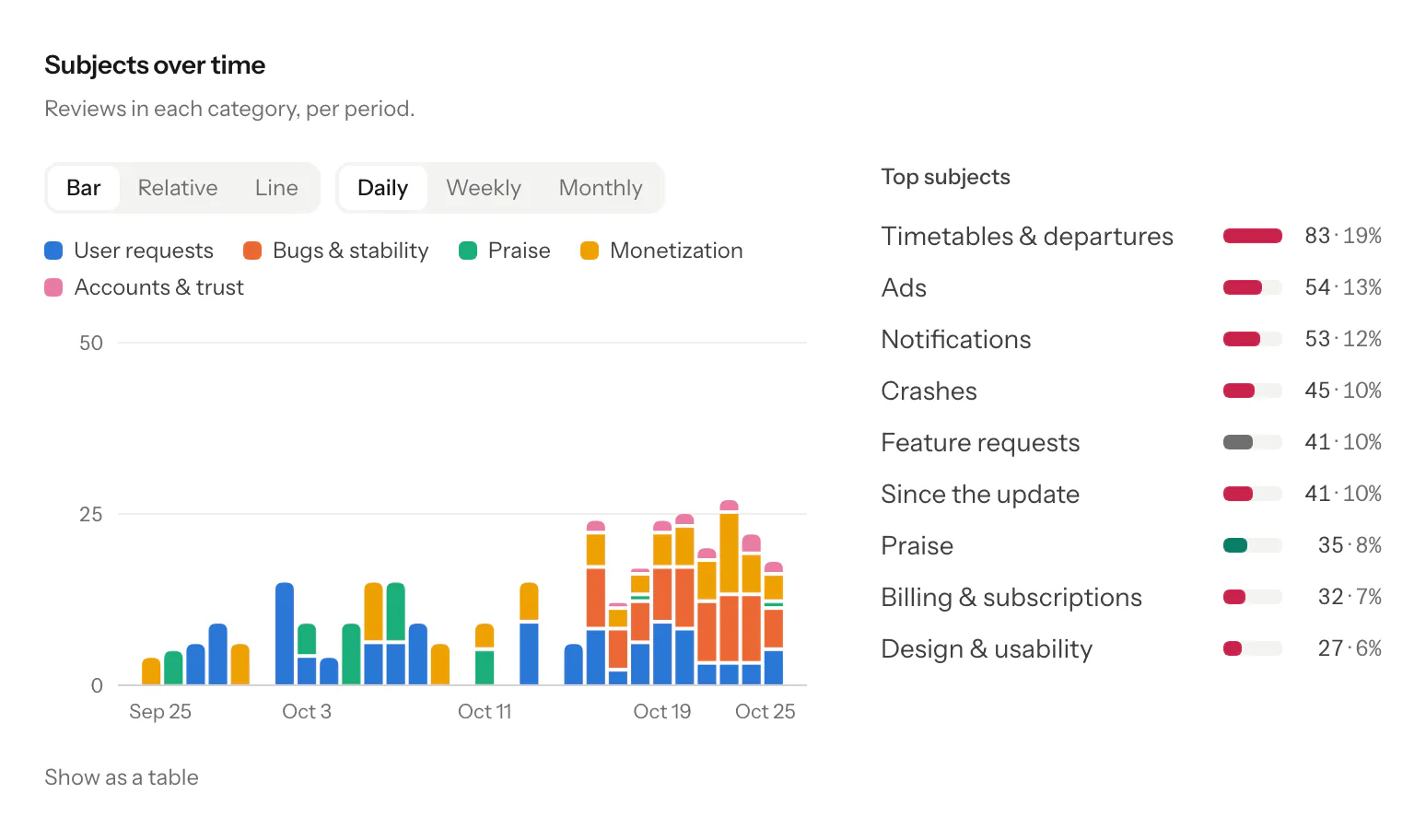
Reviews are labelled Positive, Mixed, Neutral or Negative from their text, and grouped into 14 topics such as Crashes, Bugs and Billing & subscriptions, so you can see what people complain about and what changed after a release.
Competitor tracking
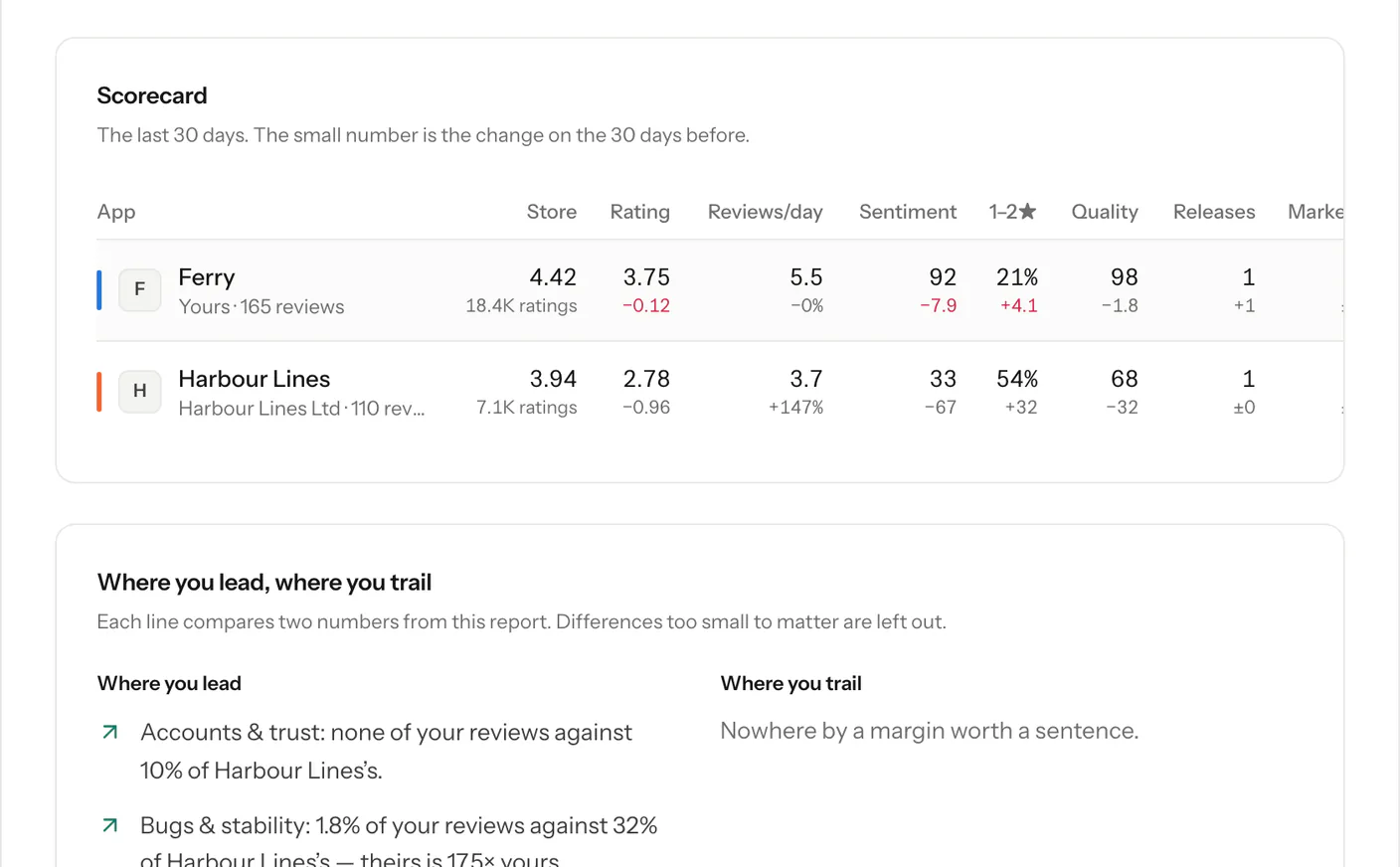
Add any public app from either store and compare its rating, review volume and share of negative reviews with yours, measured the same way. Up to 40 competitors on the Agency plan.
One dashboard for all your apps
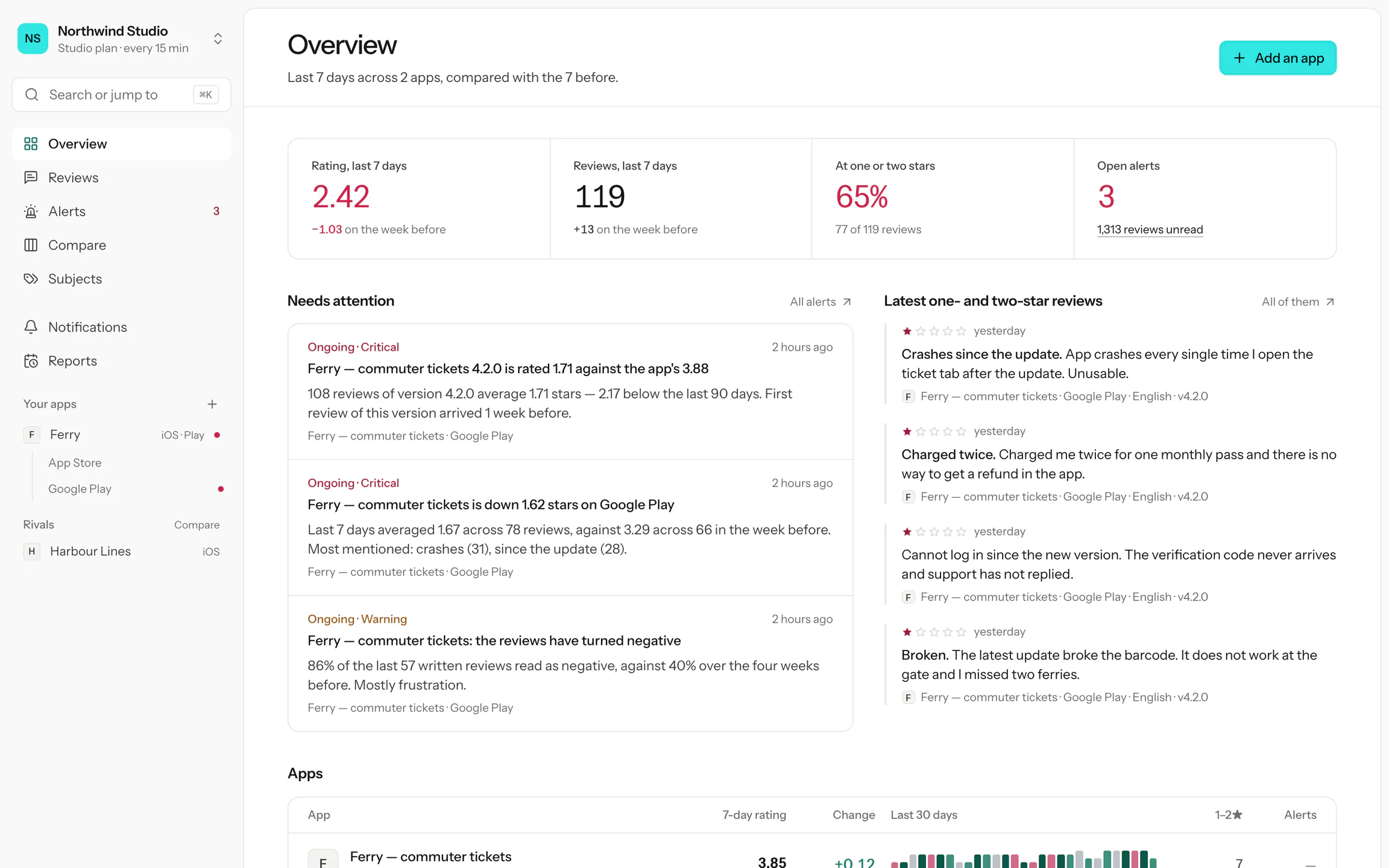
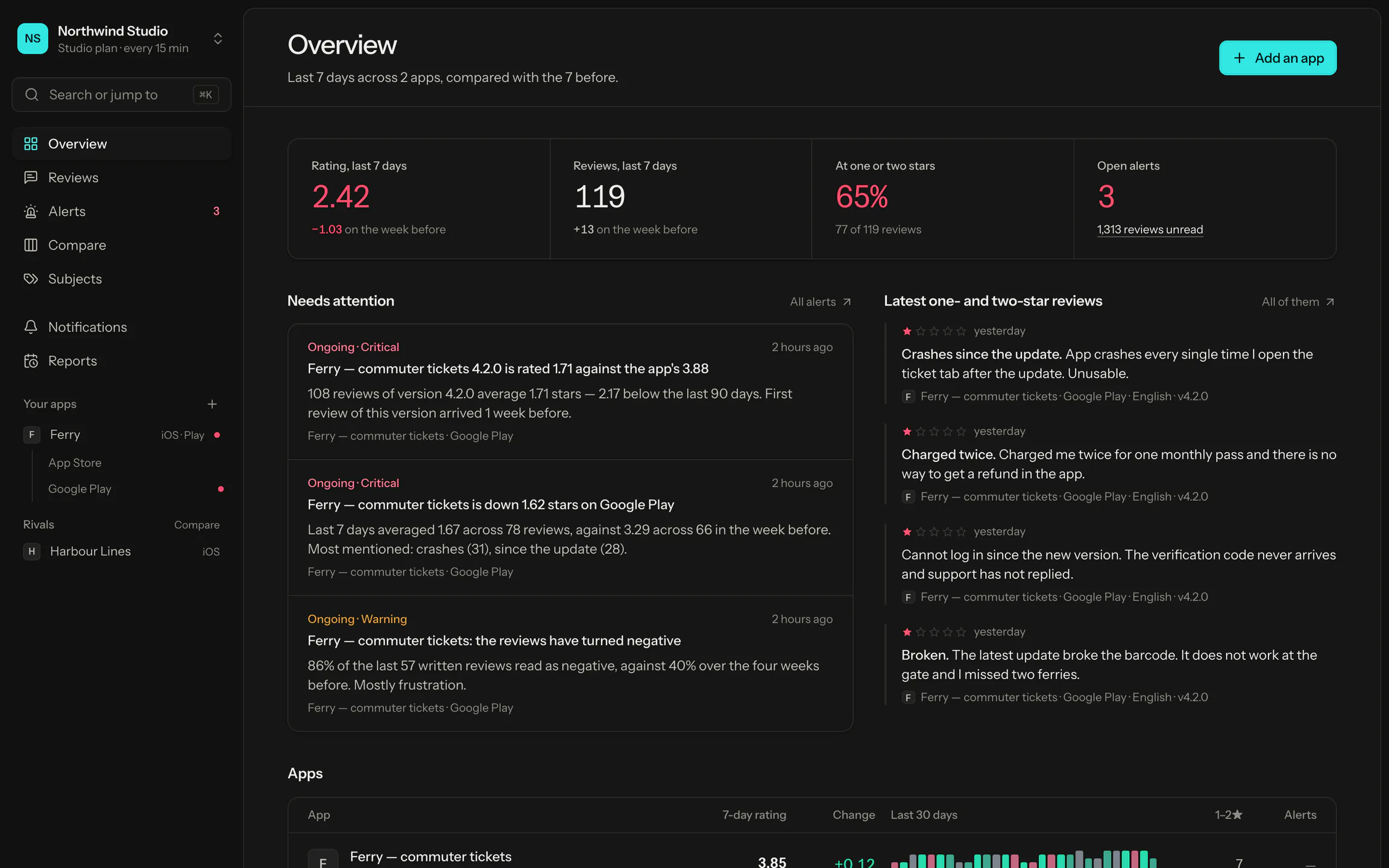
The rating, review count, share of one- and two-star reviews and open alerts for every app on both stores, each compared with the week before.
7-day rating
The average rating of the last 7 days, and how far it moved against the 7 days before.
Daily review chart
One bar per day for 30 days. The height is the number of reviews, the colour the average rating.
Needs attention
Open alerts next to the newest one- and two-star reviews, on the first screen you see.
REST API and MCP server for your reviews
Support reads, stars and assigns reviews in the inbox. Product follows topics and releases. Developers get the same data from a read-only REST API, and Claude or ChatGPT can search it over MCP.
1curl "https://approbo.org/api/v1/reviews?rating[]=1&topic=update" \2 -H "Authorization: Bearer $APPROBO_KEY"34{5"reviews": [{6"app_name": "Ferry",7"rating": 1,8"country": "gb",9"version": "4.2.0",10"body": "The latest update broke the barcode…",11"sentiment": { "label": "negative" },12"topics": [{ "label": "Since the update" }]13 }],14"total": 3115}
Plans and pricing
Start free with one app. Paid plans add more apps, team members, competitors, longer review history and the API. Every plan covers every country and language.
About monitoring App Store and Google Play reviews with Approbo.
How does Approbo monitor App Store and Google Play reviews?
Approbo reads the public review feeds of both stores: Apple’s customer reviews RSS feed and the endpoint the Google Play store page uses. Busy countries are checked every hour, or every 15 minutes on Studio and Agency. Every new review is tagged with a sentiment and its topics, and checked against your alert rules.
Do I need to connect App Store Connect or Google Play Console?
No. Approbo only uses public review data, so there is no store account, API key or other credential to share.
Which countries and languages are covered?
All 175 App Store countries and all 42 Google Play review languages, on every plan, including Free. Nothing has to be selected: every market is read automatically.
Where can I get review alerts?
Email on every plan. Paid plans add Slack, Microsoft Teams, Discord and Google Chat, and Studio and Agency add webhooks. Each channel can be limited to certain apps, countries, star ratings, topics, sentiments or keywords.
How do I avoid getting too many alerts?
New one- and two-star reviews are emailed by default. You can set a minimum review length, limit a channel to one-star reviews or to one app, or turn that alert off. The other six alert types only fire when an app moves away from its own recent average, and an ongoing problem is one alert that closes when it is over.
Can Approbo reply to reviews?
No. Replying needs App Store Connect or Google Play Console access, which Approbo does not ask for. Use Approbo to find the reviews that need an answer, then reply in the store’s console.
How many people can use one account?
One on Free, three on Solo, ten on Studio and twenty-five on Agency. Owners manage the team and billing; members can do everything else.
Is there an API?
Every plan can export reviews as CSV. Paid plans add a read-only REST API with keys you create in Settings, and an MCP server that lets Claude or ChatGPT search your reviews and alerts. Keys can read data but never change it.
What happens to my reviews if I cancel?
Reviews older than your plan’s history window are deleted overnight, so moving to Free keeps the last 30 days. The daily rating history of each app is kept.
Start monitoring your app reviews
Paste a store link and the first reviews are read while you set up alerts. Free for one app.